

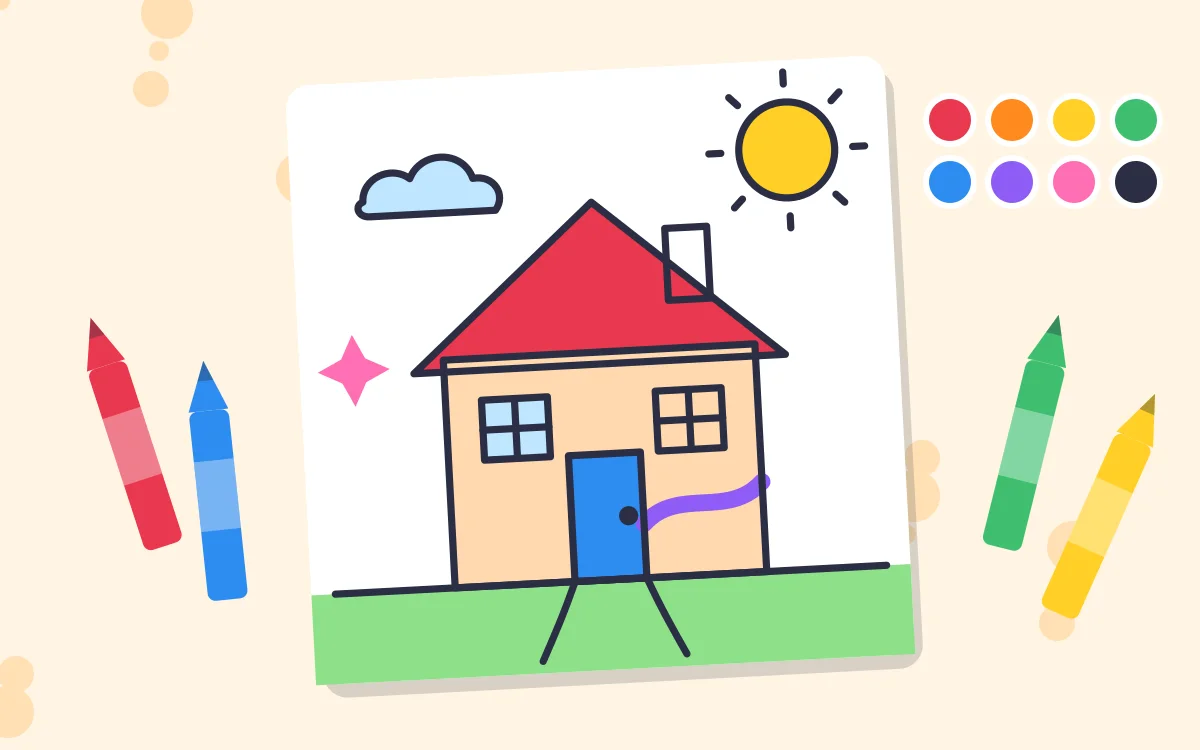


Pick a picture to colour
Or choose a blank page and draw anything you like.
Everything stays on this device: pictures are never uploaded. Tap Download to save yours.
How it works
- Pick a colouring picture, such as the fish, house or rocket, or choose a blank page. The drawing studio fills the screen.
- Choose a colour at the side or bottom, then draw with a thin, medium or thick brush. The rainbow colour changes as you draw.
- Tap the paint bucket, then tap inside any shape to fill it with colour in one go. The outlines keep the colour in.
- Tap the star for stamps (stars, hearts, flowers, smiley faces, suns and balloons) and tap the picture to stamp them. The eraser rubs out, and Undo takes back the last thing you did.
- When it’s finished, tap Download. The picture is saved to your device, ready to keep, share with family or print.
What children practise
- Hand control: holding a line, colouring inside the lines and tapping small areas all build the finger and wrist control children need for writing.
- Colours: naming colours, choosing them on purpose and seeing what looks good together.
- Creativity: a blank page invites children to draw their own ideas and tell the story behind them.
- Finishing something: downloading and printing a picture gives children something real to show for their work.
Tips for parents
- Ask your child to tell you about their picture. Talking about what they made builds language and confidence.
- Print the pictures and start a little gallery on the fridge or a wall.
- For younger children, the paint bucket makes colouring quick and satisfying. Older children can try colouring with the brush and staying inside the lines.
- Try a theme: “Draw our family”, “Draw your favourite animal” or “Draw what we did today”.
Questions parents ask
Is Draw & Colour free?
Yes. It is free to use in any web browser, with nothing to download or buy and no account to create.
Are my child’s pictures uploaded anywhere?
No. The drawing happens entirely in your browser, and pictures are never sent to us or anyone else. Tapping Download saves the picture straight to your own device.
How do I print a picture?
Tap Download, then open the saved picture on your phone, tablet or computer and print it like any other photo. It prints nicely on A4 or Letter paper.
Does it work on phones and tablets?
Yes. Children can draw with a finger on phones and tablets, or with a mouse or touchpad on a computer. A stylus works too.
What happens if we close the drawing?
If you close the studio and open the same picture again, your colouring is still there. Starting a new picture clears it, so download the old one first if you want to keep it.
Keep learning
More from KiddiesTV that goes with Draw & Colour.
More online games
Free to play in your browser, with nothing to download.
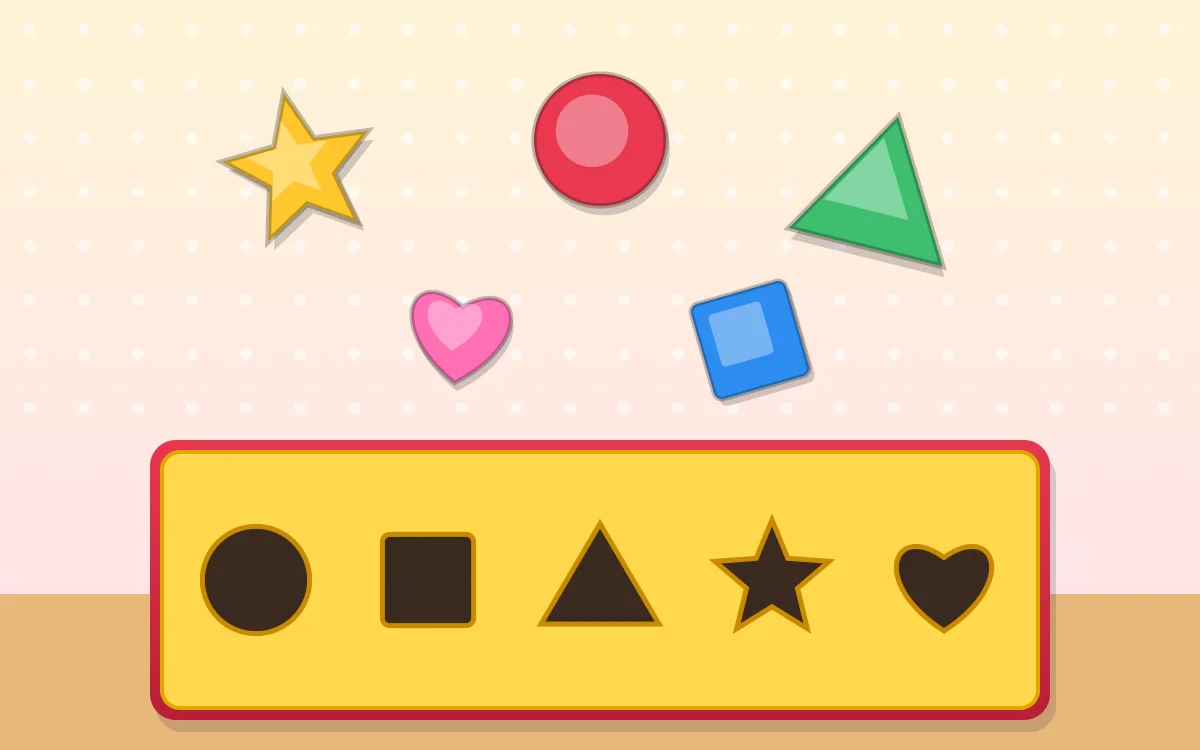 Shape Sorter
Ages 2–8 · 3 levels
Drop each shape into its hole, then name shapes and finish patterns. Three levels for ages 2 to 8.
Play now
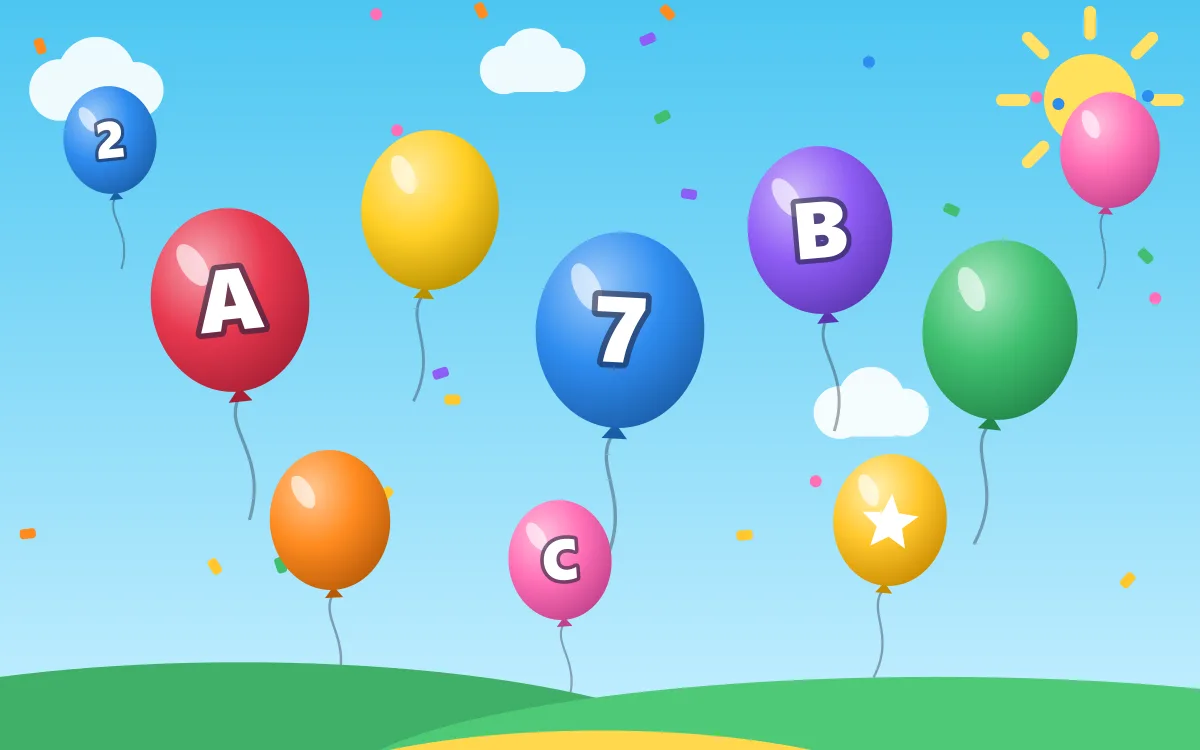 Balloon Pop
Ages 2–8 · 3 levels
Pop balloons, colours, numbers and letters. Three levels for ages 2 to 8.
Play now
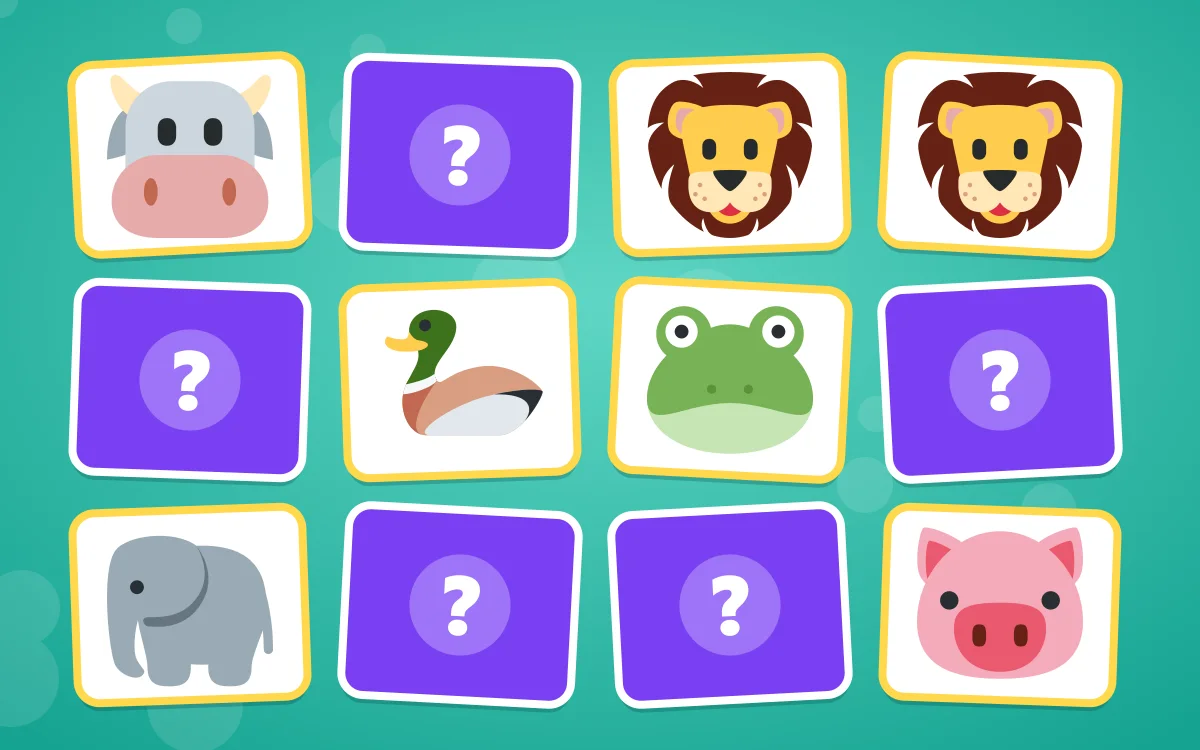 Animal Memory Match
Ages 2–8 · 3 levels
Find the matching animals and hear what they say. Three levels for ages 2 to 8.
Play now